
Google is expanding its AI creativity tool Flow beyond “make a clip” into something closer to a unified creative workspace — one that treats images and video as interchangeable building blocks, with better organization and more precise editing controls.
In a February 2026 update, Google says Flow now brings its image-generation experiments (including Whisk and ImageFX) directly into the Flow experience, adds a redesigned interface with a searchable asset grid and Collections, and introduces more natural editing — including a lasso tool and text-based refinements — alongside video-specific controls like extending clips and orchestrating camera motion.


This matters because the competitive frontier in generative media is shifting: quality improvements are becoming table-stakes, and the next differentiator is workflow. The winners won’t just generate; they’ll manage assets, preserve creative intent, and help creators iterate quickly without losing continuity.
What Google changed in Flow (and why it’s a strategic move)
Google’s announcement frames Flow as a single place to “generate, edit and animate everything” rather than a collection of separate tools. The update clusters into three themes:
1) Image + video in one workflow
Flow began as a video-generation tool, but now it’s explicitly multi-modal. Google is folding in capabilities from its image experiments — and positioning high-fidelity images as first-class “ingredients” you can reuse as frames or references for video generation.
- Unified creation: generate images, then immediately use them in video creation without exporting/importing across products.
- Continuity of style: when your stills and clips live in the same library, it’s easier to keep characters, props, and aesthetics consistent across a project.
- Lower friction iteration: fewer tool hops means more experimentation, which is exactly what creators do when chasing a look.
2) Asset management that fits real creative work
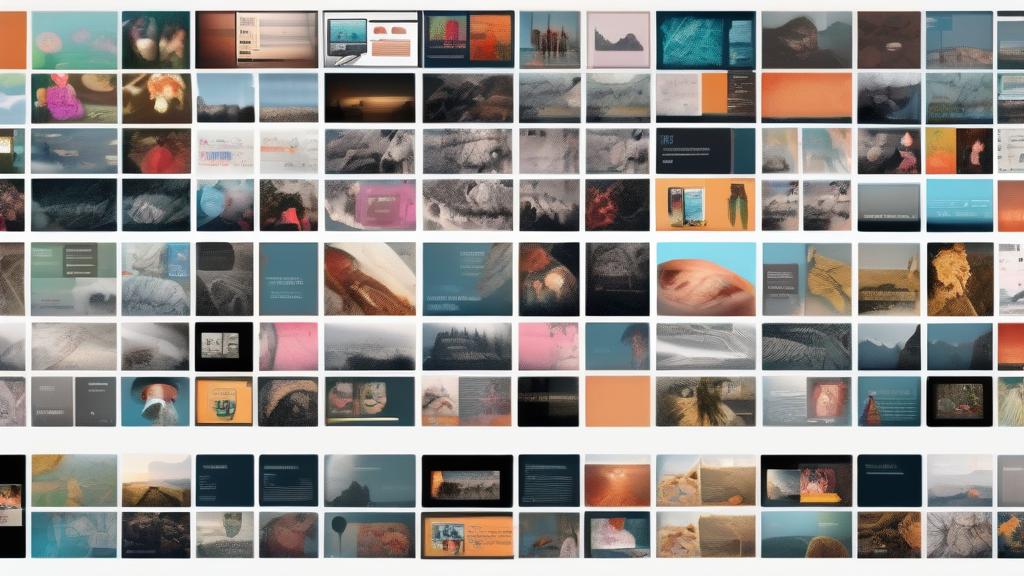
Anyone who has tried to make a coherent sequence from dozens of generations knows that organization becomes the hidden bottleneck. Google’s redesigned asset grid and Collections aim at the messy middle: searching, sorting, comparing, and grouping generations into something usable.
- Asset grid: search, filter, sort, and scan images/videos in a single library view.
- Collections: group related assets (character studies, location variants, color tests, shot lists) so projects stay navigable.
- Inline referencing: quickly reference assets while prompting (Google highlights an “@” workflow).
This is where many generative media tools feel unfinished today: they generate impressive samples, but they don’t help you finish. Asset management is “unsexy,” but it’s how generative tools become production tools.
3) Editing that’s both natural and precise
Flow’s new lasso selection plus natural language tweaks point toward a practical future: creators won’t accept purely prompt-based “slot machine” generation. They want the ability to isolate a region and refine it — not regenerate the whole image and hope.
Google describes a workflow where you select an area with a lasso and then ask for changes like removing a subject or adding elements. It also highlights drawing directly on images, and video controls like extending clip length, adding/removing objects, and orchestrating camera motion.
Put simply: this is the path from “AI makes content” to “AI is a controllable creative partner.”
Why this isn’t just a UI refresh: the platform play
Flow’s redesign fits a broader platform strategy:
- Consolidation: moving experimental tools into a single product reduces fragmentation and keeps users in one ecosystem.
- Retention through libraries: once your projects and assets live in a Flow library, switching costs rise — especially for creators with ongoing series or brand work.
- Multi-modal flywheel: images bootstrap videos; videos produce stills; both feed back into the asset library and future prompts.
Google also says users will be able to opt in (starting in March) to transfer Whisk and ImageFX projects and assets into Flow. That migration is a strong signal: Flow is meant to be the “home” for this entire creative stack.
Who benefits — and what to watch for
Creators and teams
For individual creators, the main benefit is speed: fewer context switches and less lost work. For teams, asset management and Collections hint at collaboration-ready workflows — even if collaboration features aren’t the headline yet. If Flow can reliably preserve a consistent style across shots, it becomes useful for:
- storyboards and previsualization
- marketing and product imagery
- short-form video campaigns
- music video concepts and mood boards
Enterprises and agencies
Enterprises care about predictability and auditability more than novelty. The more Flow behaves like a proper workspace — with structured libraries, reusable assets, and controlled edits — the closer it gets to enterprise adoption. But the missing pieces typically include:
- rights management and licensing clarity
- team permissions and approval workflows
- export formats, brand kits, and integration with creative suites
Risks: deepfakes, “slop,” and provenance
Better tools will inevitably be used for both legitimate creativity and low-quality content at scale. As generative media becomes easier to edit precisely, it also becomes easier to produce convincing manipulations.
The industry will need clearer provenance standards, better disclosure norms, and — ideally — tooling that encourages ethical use by default. Workspaces like Flow may become an important leverage point for that: if creation happens in one place, so can safeguards, labeling, and metadata handling.
Practical takeaways: how to evaluate Flow (even if you don’t use it)
If you’re comparing AI media tools, Flow’s update suggests three evaluation criteria that matter more than one-off demos:
- Workflow coherence: can you go from concept to finished sequence without duct-taping multiple apps together?
- Control surface: can you make targeted edits (region selection, object removal, camera motion) with predictable outcomes?
- Asset hygiene: can you find, reuse, and build on previous work — or does everything vanish into a scroll?
Generative media is growing up. The tools that win the next phase won’t be the ones that merely generate; they’ll be the ones that help people ship.
Source: Google — “New ways to create and refine content in Flow” (Feb 2026).